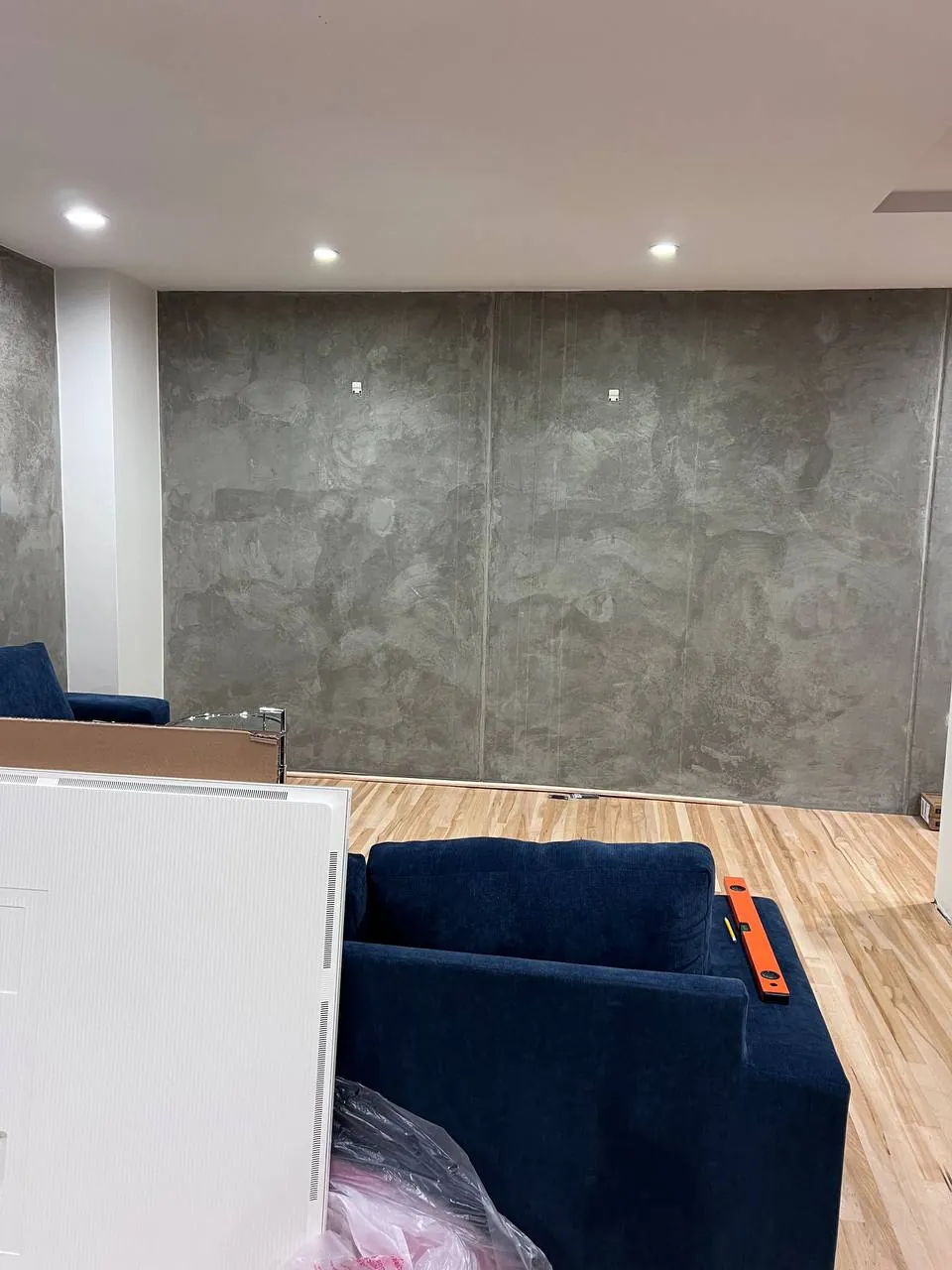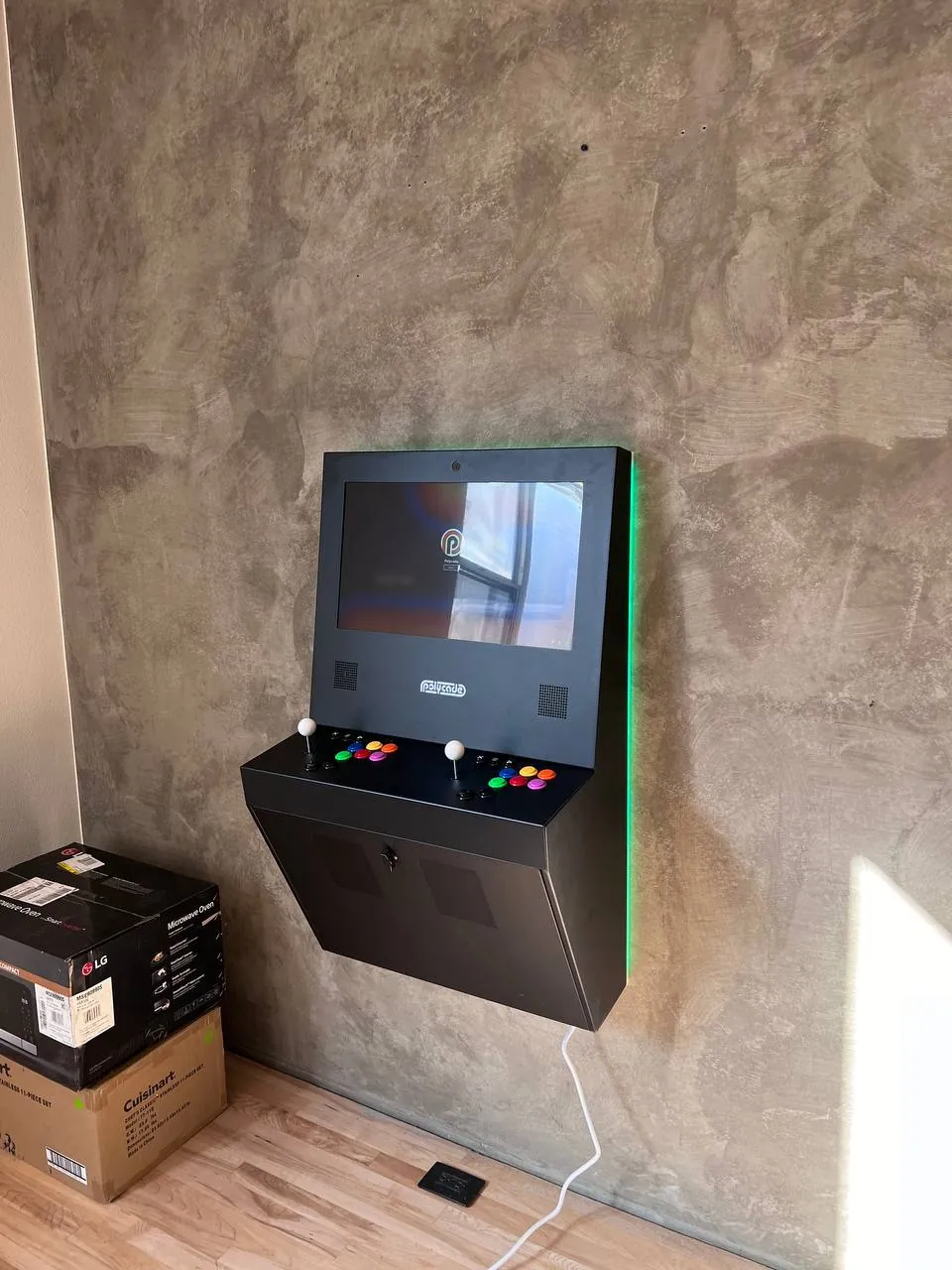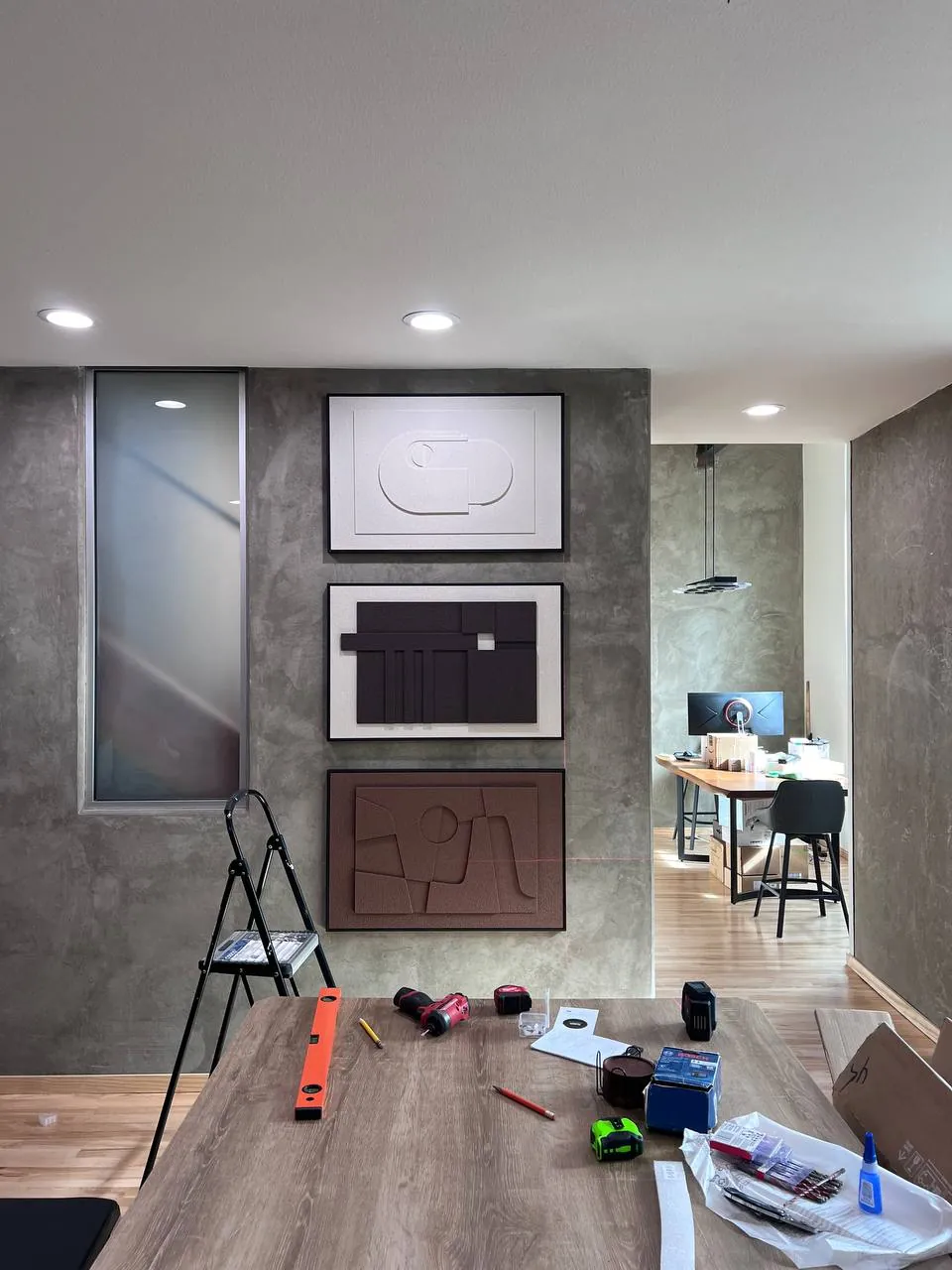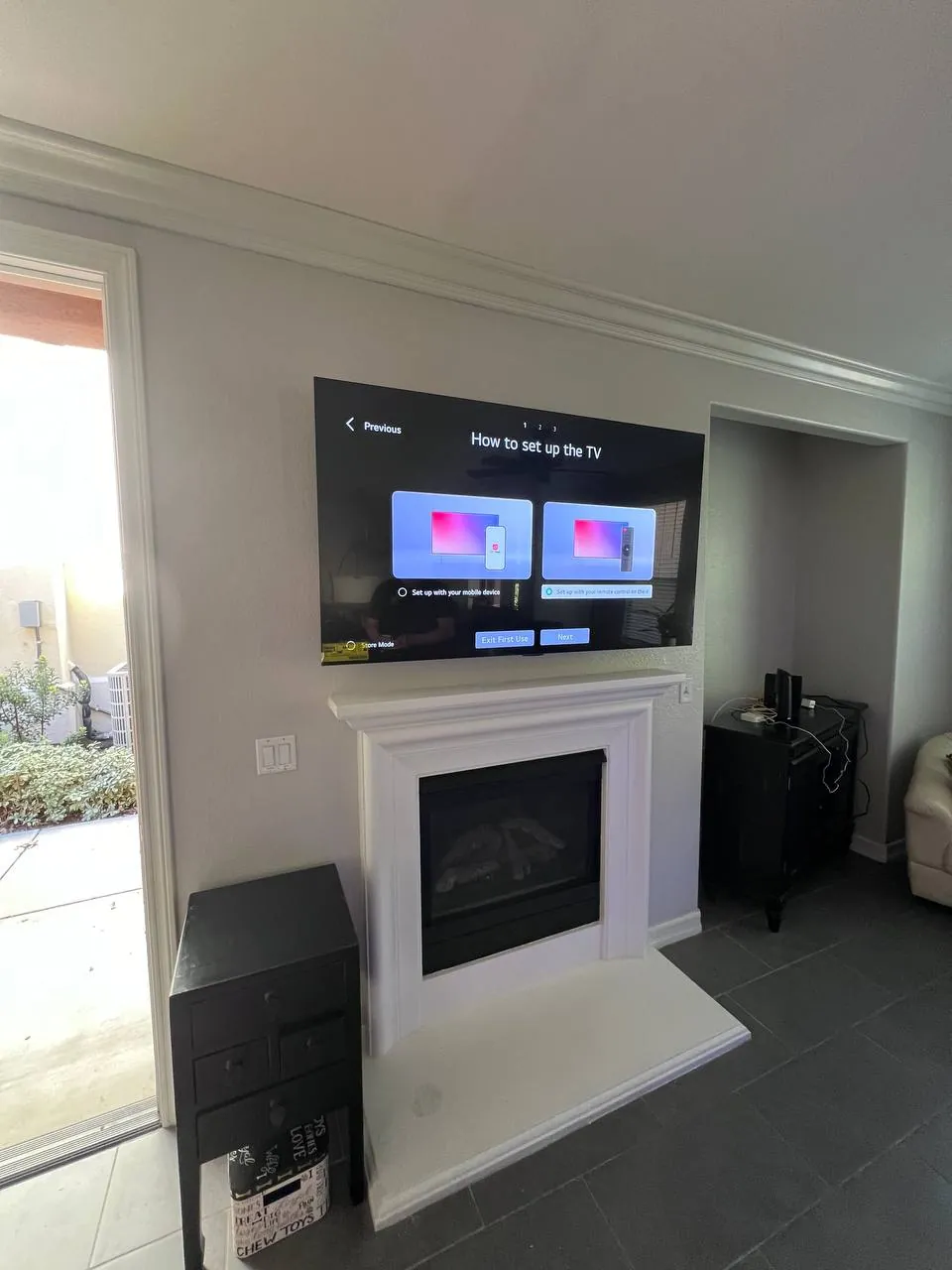

Professional TV mounting across San Diego
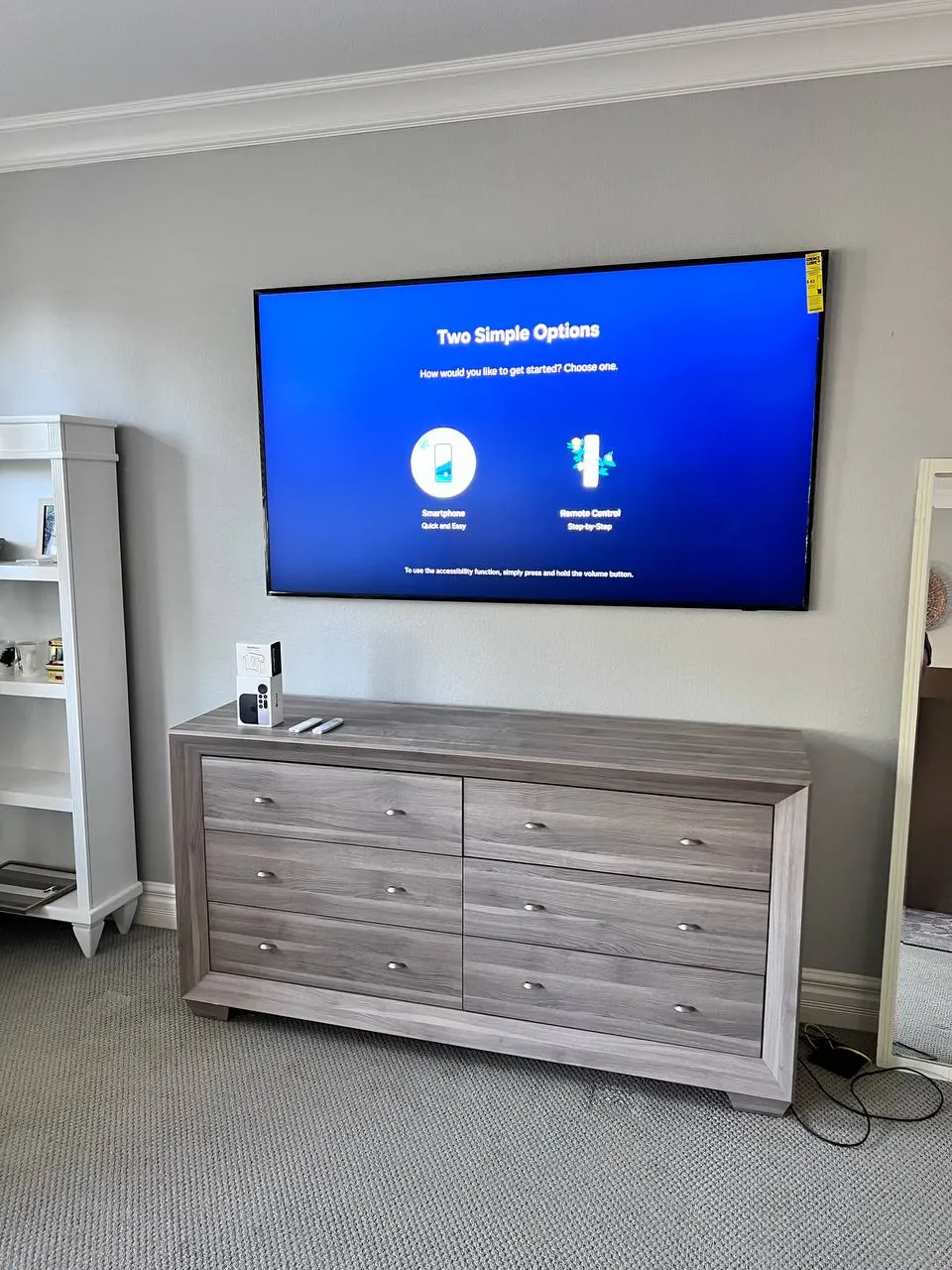
A flat‑screen looks great on the wall — until it's crooked, the cables are dangling, or it's drilled into the wrong spot. Easy Break mounts TVs in San Diego homes the right way the first time: studs located, bracket dead‑level, wires tucked out of sight, and the area cleaned up before we leave. Whether it's a 43″ in the bedroom or an 85″ over the living‑room fireplace, we've done it across the county.
Because we quote from a photo, there are no vague "starting from" games. Send a picture of the wall and TV, tell us the model, and we'll text back the exact, fixed price — then book you a same‑day or next‑day slot in your neighborhood.
What's included in every TV mount
- Locating studs and securing a heavy‑duty bracket rated for your TV's size and weight
- Mounting your TV perfectly level at the height you want
- Concealing and dressing the cables (in‑wall concealment available)
- Connecting your soundbar, streaming box or game console
- Testing everything works and tidying up after
TV mounting prices in San Diego
Most San Diego TV mounts fall in the ranges below. The price you're texted is the price you pay — confirmed before we start.
| Service | What's involved | Price |
|---|---|---|
| Standard mount (up to 55″) | Mount on drywall, cables tidied | from $129 |
| Large TV mount (65″–85″) | Heavier bracket, two‑person install | from $169 |
| In‑wall cable concealment | Wires routed inside the wall | from $79 |
| Over‑fireplace / stone / brick | Masonry anchors, heat‑safe height | from $219 |
| Full‑motion mount supplied & fitted | Tilt/swivel bracket included | from $199 |
Need a mount or bracket? We can supply the right one and add it to your quote — or fit one you already have.
Get your TV mounting price now
Text a photo of the wall & TV — price back in minutes.
Any TV, any wall — we've mounted them all
Drywall & stud walls
The most common San Diego install. We find the studs and anchor into solid framing so your TV is rock‑solid, never relying on drywall alone.
Stucco, brick & stone
Exterior patios and accent walls need the right masonry anchors and bits. We come equipped to mount safely on stucco, brick and natural stone.
Over the fireplace
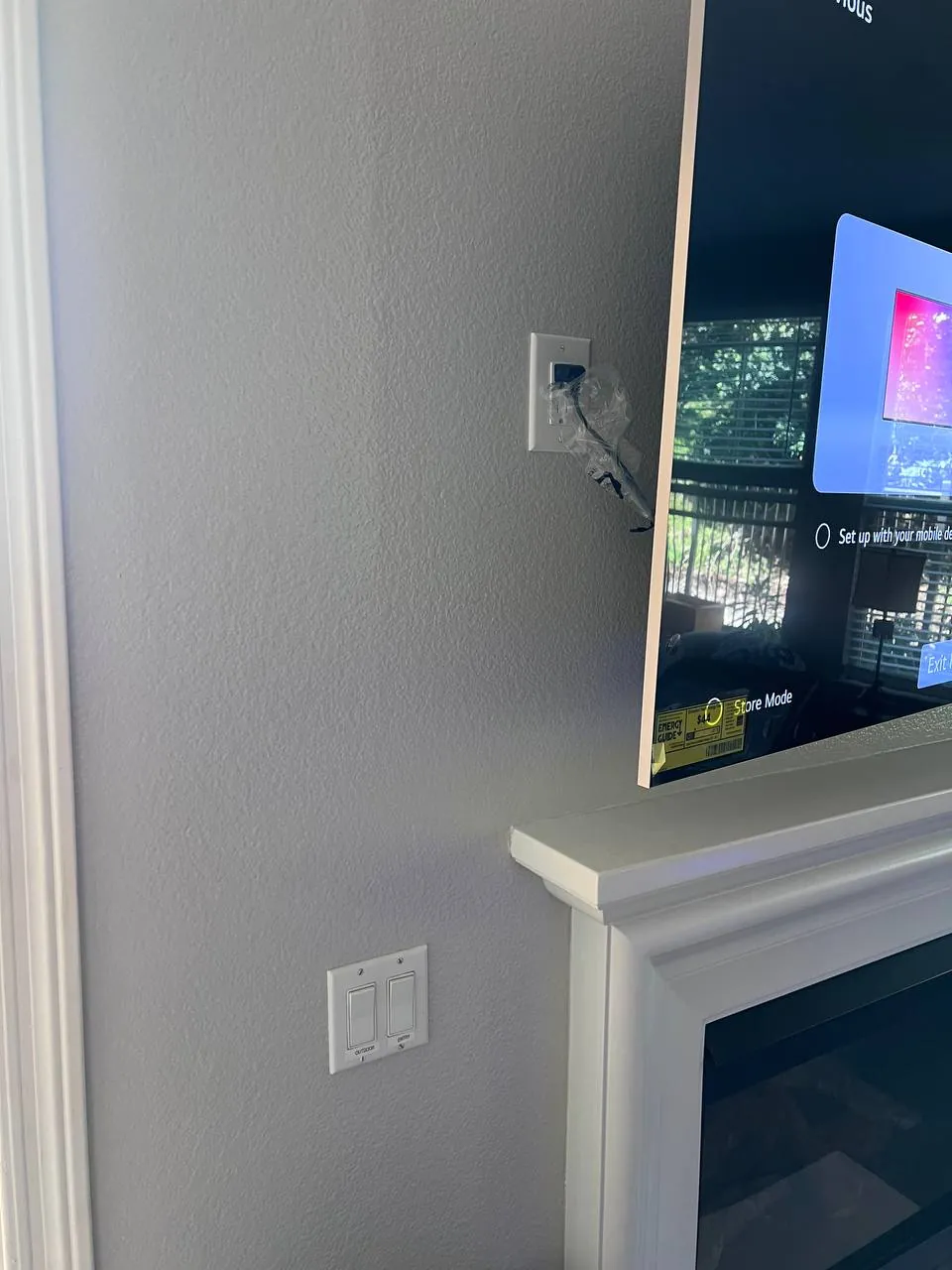
A popular look in San Diego living rooms. We set the TV at a comfortable, heat‑safe height and can recess the cables for a clean, floating finish.
All TV sizes — 32″ to 85″+
From a small bedroom TV to a big 75″ or 85″ home‑theater screen, we bring brackets and hardware rated for the weight, with a two‑person crew for the large ones.
Why San Diego homeowners choose Easy Break
- Upfront fixed pricing — text a photo, get a real number, no "it depends"
- Same‑day & next‑day availability across San Diego County
- Licensed & insured with a 90‑day workmanship guarantee
- Clean, careful work — level mount, hidden wires, tidy finish
- Local crew — you text a real San Diego person, not a call center
Neighborhoods we mount TVs in
Easy Break provides TV mounting throughout San Diego County, including:
TV mounting FAQ
How much does TV mounting cost in San Diego?
Can you hide the TV cables in the wall?
Do you mount TVs over a fireplace?
Do you provide the wall mount/bracket?
Can you mount my TV the same day?
Helpful guides
TVs & mounts — what we install most
We mount what you bought. If you're shopping, here's the brand and model context we run into every week in San Diego:
- Samsung Frame — the trickiest mainstream install: the picture frame look only works flush, so it ships with its own slim no‑gap mount and a single very‑slim "One Connect" cable that has to be hidden cleanly. Plan on in‑wall routing.
- Samsung Neo QLED — heavier than it looks at 75"+; we move up to a Sanus VLT16 or Vogel's mount rated for the weight
- LG OLED C‑series — standard VESA, easy install
- LG OLED G‑series — ships with LG's own no‑gap wall mount in the box; we install that mount, not a generic one
- Sony Bravia, Vizio, TCL, Hisense — all standard VESA; mount choice is driven by size and viewing angle, not brand
Mount brands we trust: Sanus VLT16 (heavy‑duty tilt for 46–90"), Sanus VLF728 (full‑motion to 90"), Kanto PS400 (clean mid‑range full‑motion), ECHOGEAR tilting and full‑motion (best value), Mounting Dream for budget, Vogel's TVM 3645 for premium European fit, Chief for commercial. For cable routing we carry PowerBridge ONE‑CK and Datacomm 50‑3323‑WH‑KIT (in‑wall recessed outlet plus a low‑voltage pass‑through) on the truck, plus paintable Legrand Wiremold and Wiremold CordMate for surface runs. Soundbar pairings we install regularly: Sonos Beam (Gen 2), Sonos Arc, Bose Smart Soundbar and the Samsung Q‑series.
VESA pattern decoder & mount sizing
VESA is the bolt‑hole pattern on the back of your TV. Match the mount to the pattern (not just the screen size) and you'll never have a misfit:
- 200×200 — 32–43" most brands
- 200×300 — Samsung Frame 32" is the oddball here; bring a flexible bracket
- 300×300 — 43–55"
- 400×400 — 55–65"
- 600×400 — 65–75"
- 800×400 — 75–85"
Weight rule we follow on every install: the mount's rated capacity should exceed the TV's actual weight by at least 1.5×. A 75" Samsung at 70 lbs goes on a 105‑lb‑rated bracket minimum.
Mount type by use case
- Fixed flush — slimmest profile (1/2"–1" off the wall); pick this when the TV is at eye level and you'll never need to tilt it. Cheapest, cleanest look.
- Tilting — 5°–15° downward tilt; pick this when the TV is mounted higher than seated eye level (bedrooms, over media consoles where the couch is close)
- Full‑motion / articulating — extends and swivels; great for corner mounts and open kitchens. Caveat: the arm can only extend as far as the stud spacing allows, and the further it extends the more leverage on the wall — we sometimes add a horizontal wood block between studs for these.
- No‑gap — designed for Samsung Frame and LG G‑series specifically; sits flush like artwork
- Ceiling drop — bedrooms with vaulted ceilings, garages, retail; needs a ceiling joist, not just drywall
Stud, plaster, brick: the wall is the install
Where the bolts land matters more than the bracket itself. Quick guide to the wall types we hit in SD:
- Wood stud — standard 16" on‑center framing; we lag‑bolt directly into the stud with 5/16"×3" lag screws, snug but not over‑torqued
- Metal stud — common in condos, townhomes and post‑1990 multi‑family. Toggle bolts behind metal studs work for small TVs but are risky for 65"+; we'll open a 6"×6" piece of drywall, sister‑in a 2×6 wood block between the studs, and re‑close. Adds a small drywall patch to the quote.
- Brick & concrete — Tapcon 1/4"×2‑3/4" or sleeve anchors, 3/16" pilot with a hammer drill, dust blown clear before driving
- Stucco — pre‑drill through the stucco with a masonry bit, then into the framing behind with a wood bit; seal around the screws with paintable silicone
- Plaster‑over‑lath — older Hillcrest, North Park, Coronado, Mission Hills. Stud finders that rely on density don't work on plaster; we use a magnetic finder to locate the nails that hold the lath, then anchor into the stud behind it.
- Tile & porcelain — diamond bit at low RPM with water, then masonry anchor. We score with a RotoZip if we need to move an outlet box.
75" and bigger — the big TV checklist
Past 75" everything changes. Different bracket class, different process, two‑person lift, and we usually pre‑drill and dry‑fit before hanging. Specifically:
- Two‑stud minimum on the bracket; we won't trust a single 16" stud with an 85" panel
- Mount weight rating > TV weight × 1.5 (an 85" QLED at 90 lbs needs a 135‑lb‑rated mount minimum)
- Ceiling drops need a joist — drywall and ceiling‑rated toggles aren't enough
- Two installers on the lift, every time, no exceptions; we don't bench‑press a 100‑lb TV onto a wall mount alone
- Cable concealment gets messier above 75" because the inputs are wider apart and the One Connect cable runs add length — we plan the route before drilling
Cable concealment — doing it to code
The clean look matters. So does not setting your house on fire. Three legal options:
- In‑wall (recommended) — Class 2 plenum‑rated cables routed through a PowerBridge or Datacomm recessed kit. The kit has a top box (behind the TV) and a bottom box (behind the media console), both UL‑listed for in‑wall use. Romex / standard extension cords are not allowed inside a finished wall — that's a CEC violation and a fire risk. We use the kit's correct components, not a workaround.
- Surface raceway — paintable Wiremold or Legrand channel from the TV to a wall outlet; less invasive, can match paint exactly
- In‑furniture — cables dropped behind a media console with a small grommet; works when the console is dead under the TV
Soundbar mounting sequence
Soundbars belong below the TV, not stuck to it. Order of operations: hang the TV first, dry‑fit the soundbar bracket 2–3" below the bottom of the TV (not flush — the soundbar's IR sensor and sometimes a mic need line‑of‑sight), confirm cable routing reaches the same in‑wall pass‑through, then mount and dress the cables. Sonos Arc and Bose Smart Soundbar both have their own brackets; for Sonos Beam (Gen 2) we usually install the Sanus or Sonos‑branded bracket.
Fireplace mounts — the honest version
Yes we mount over fireplaces. No, it's not always a good idea. The two questions we ask:
- What kind of fireplace? A wood‑burning that throws ambient temperatures over 100°F at the TV location will shorten any TV's life — we measure with an IR thermometer during your text quote if you can take a reading mid‑use. Gas fireplaces with proper clearance are usually fine.
- How tall is the mantel? If the TV center ends up more than ~10° above eye level from the couch, you're looking at neck strain every movie night. Articulating arms that pull the TV down and forward fix this, but they cost more and stick out further than people expect. Often the right call is a console TV, not a fireplace mount.
What we don't mount
We don't do TVs inside RVs, boats, or trailers — those need vibration‑rated mounts and certified low‑voltage wiring that's outside our scope. We don't do projector installs (different planning, different optics — happy to refer to an A/V specialist). We do install an additional outlet behind the TV by tapping into an existing outlet on the same wall — clean look, properly boxed, code‑compliant. What we don't do is pull a new circuit from the panel or wire a new breaker; if there's no nearby outlet to tap, we'll bring in a licensed San Diego electrician for the panel work. And we won't mount on hollow‑core interior doors, glass‑block walls, or stud bays so packed with HVAC and conduit that there's no room to route — we'll show you what we found and recommend the next move.